Quick Edit
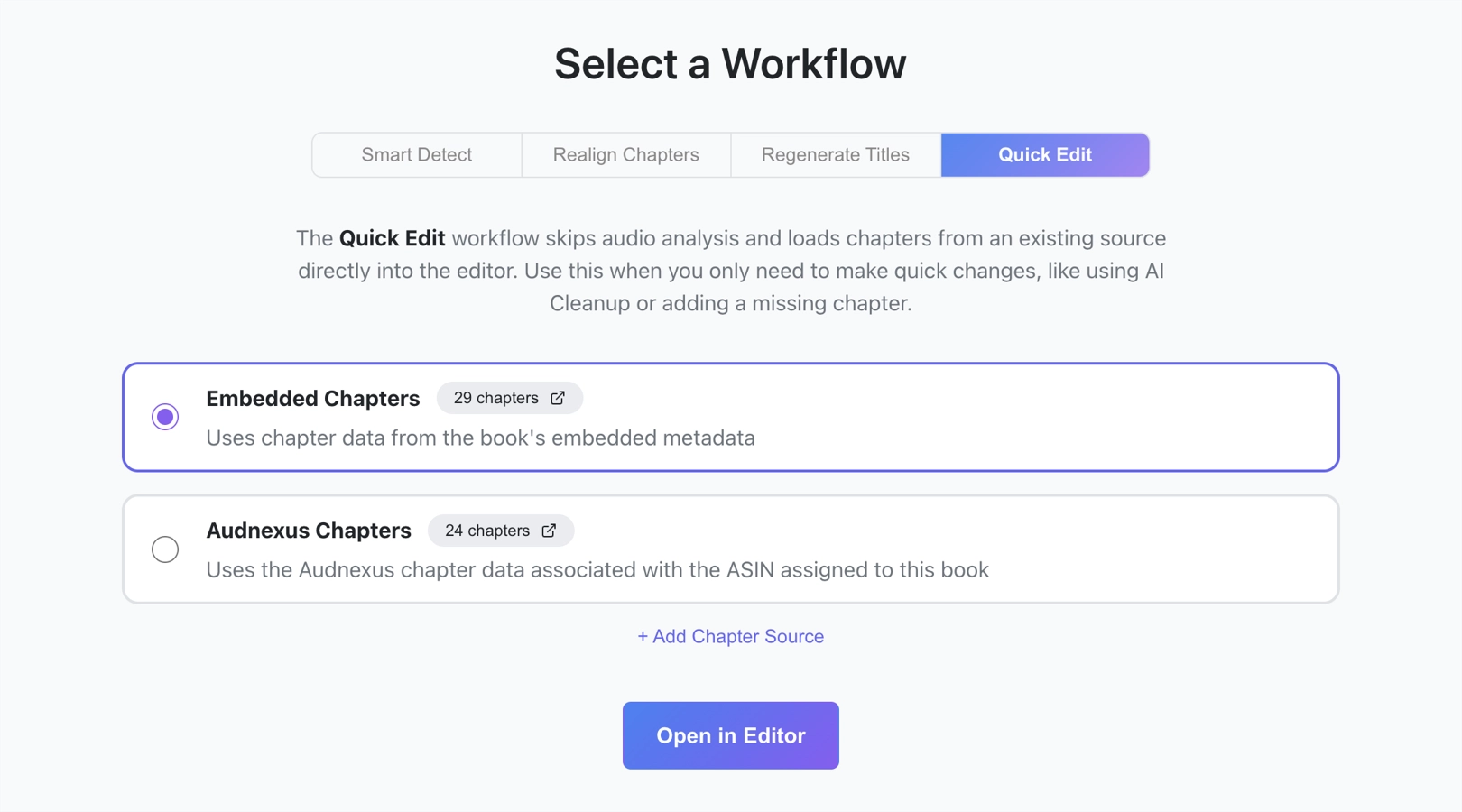
Quick Edit skips detection and transcription and loads a Chapter Reference directly into the editor.
When to use it
- Your chapters are mostly right; you just want to tidy up titles or tweak a timestamp.
- You want to use AI Cleanup to reformat or normalize titles.
- You need to add one or two absent chapters. See Fill in a few missing chapters.
- You want to export the existing chapter data as CSV/JSON/CUE without changing anything.
Steps
- Select a book from Achew's main screen.
- Choose Quick Edit on the Select a Workflow screen.
- Pick a Chapter Reference. If there are no References, or you wish to use another Reference, click the Add Chapter Reference button near the bottom.
- Click Open in Editor.
- Use the Chapter Editor to review and polish the chapters.