Achew Basics
Achew runs a multi-stage pipeline for each audiobook. While much of the process is automatic, several of the stages will require your input.
1. Audiobook selection and download
You can find audiobooks to process via the main page. You can search by title, series, author, or narrator, paste an Audiobookshelf item ID, or get more advanced with rule-based Chapter Search.


After you pick a book and click Start, Achew pulls associated metadata to understand what it is working with: file count, duration, existing chapters, the book's language, ASIN, etc. It then downloads the audio file(s) from Audiobookshelf and prepares them for analysis.
2. Workflow selection
You'll then pick one of four workflows:


- Smart Detect: Automatically find potential chapter cues.
- Realign Chapters: Automatically realign the timestamps of existing chapters to the audio.
- Regenerate Titles: Transcribe new titles from the timestamps of existing chapters.
- Quick Edit: Skip detection and go straight to the editor with existing chapters.
Going back
From this point onward, the Back button at the top-left of the page opens the Back Menu, which lets you revert to an earlier step. Choosing New Audiobook will abandon the current book and start over from book selection.
3. Analysis (Smart Detect / Realign only)
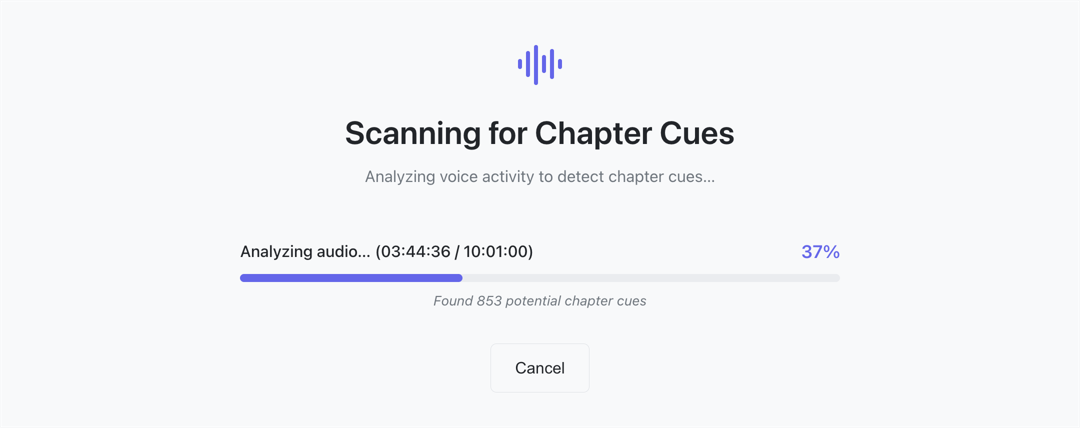
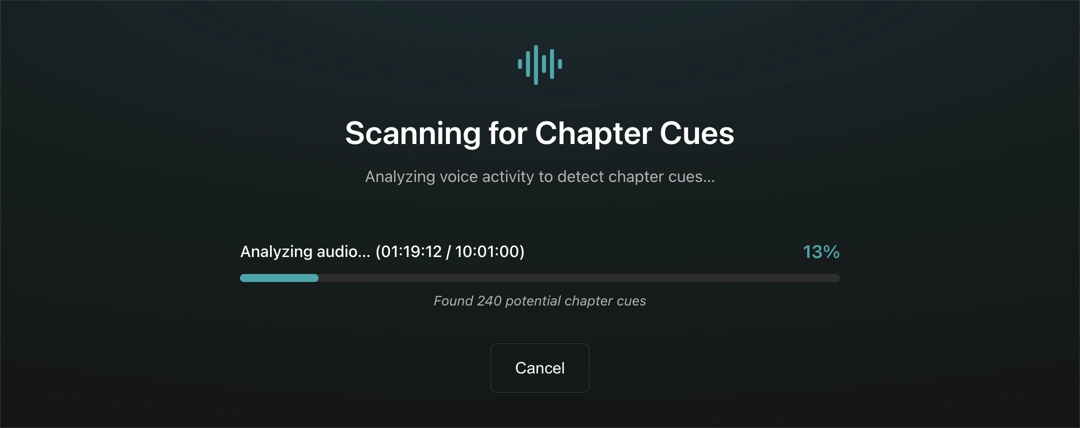
Achew scans the audio looking for natural pauses in speech. Each pause is marked as a candidate cue: a potential chapter boundary. Toggling Dramatized mode uses a slower (but more accurate) detection strategy for books containing non-speech elements like music and sound effects.
4. Initial chapter selection (Smart Detect only)
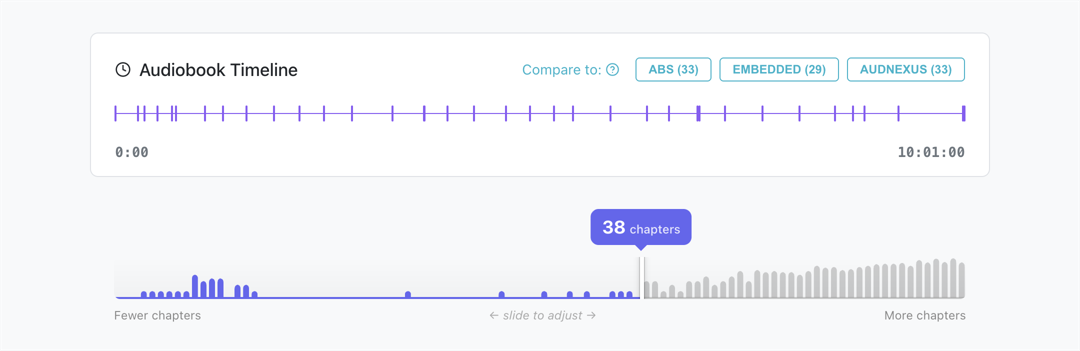
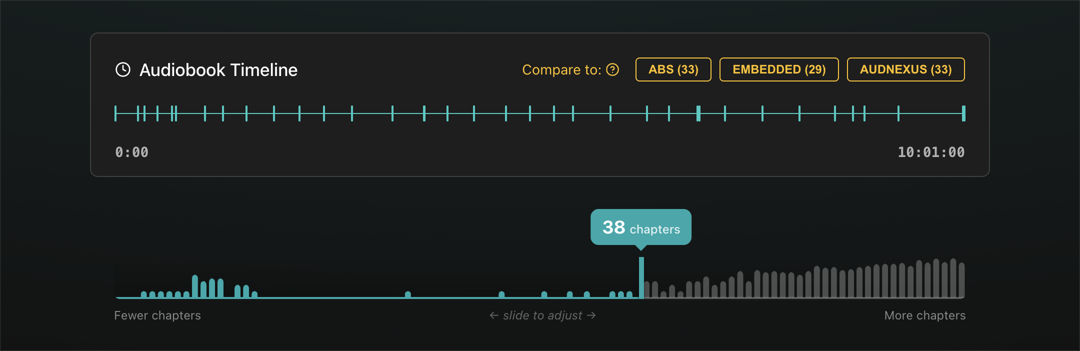
After the book is scanned, a Cue Selection Slider shows a histogram of candidate cues. The slider position determines which cues will become chapters. Moving it left selects fewer chapters (only the longest pauses count); moving it right selects more chapters (shorter pauses also count). Clicking the Create button then creates new chapters from the selected cues. See Initial Chapter Selection for more information.
5. Transcription (Smart Detect / Regenerate only)
You can optionally use a service to transcribe your chapter titles. These are built into Achew and run entirely locally on your machine.
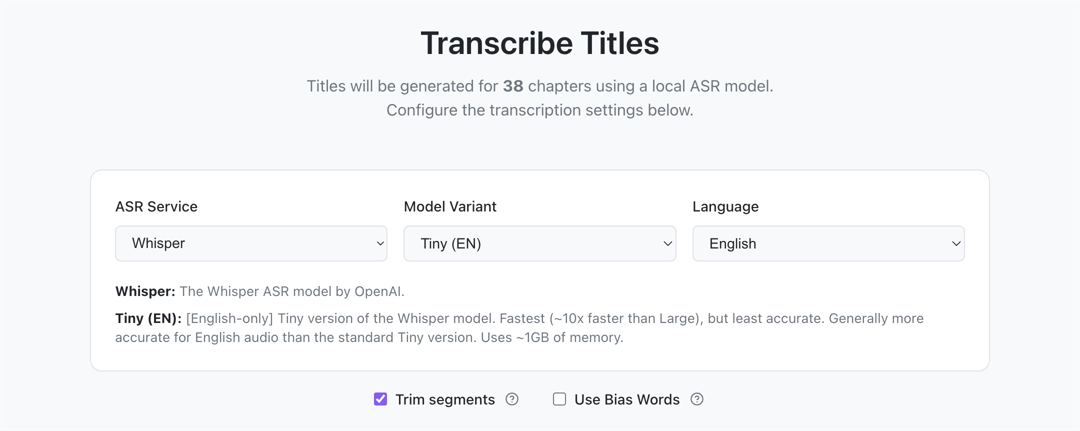
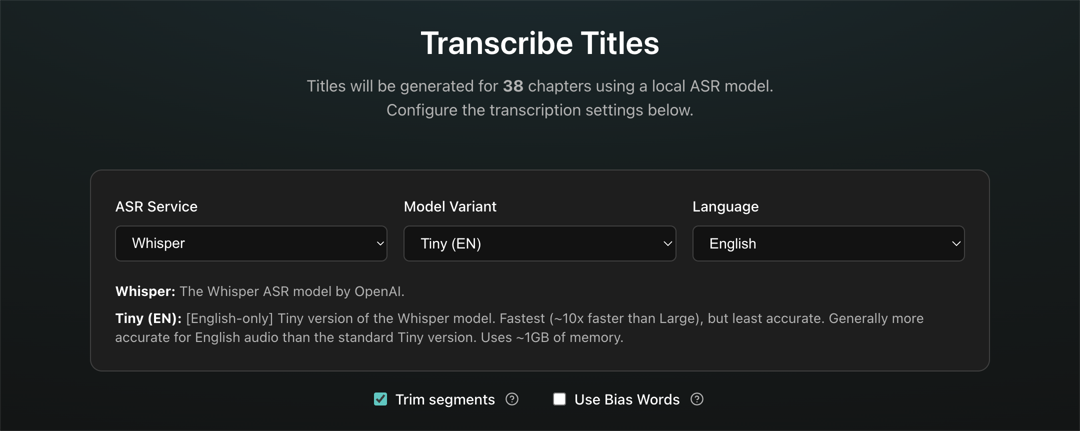
Achew extracts a short audio segment from the start of each chapter and sends it to the model for transcription. After transcription, these titles can then be cleaned up in the Chapter Editor.
6. Chapter editor
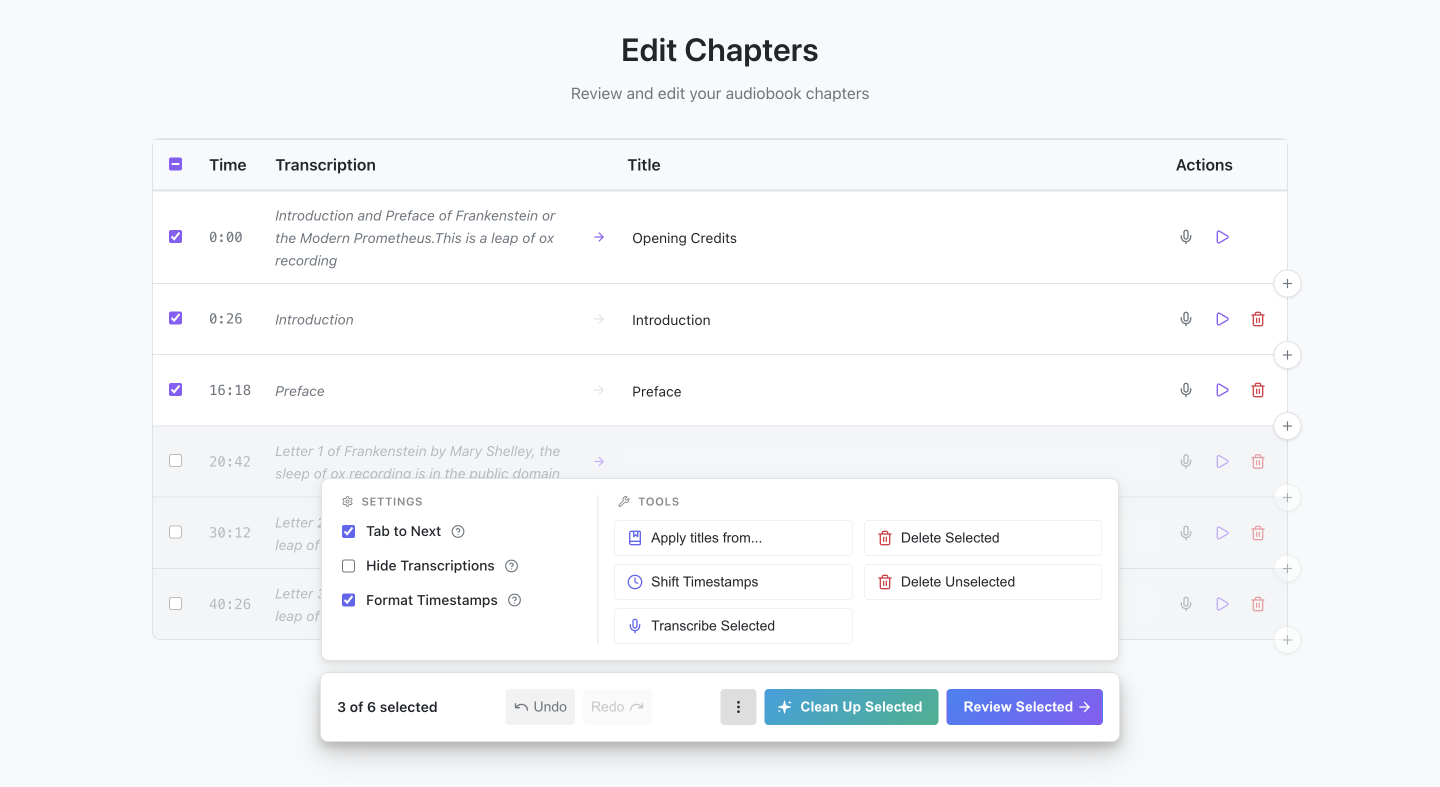
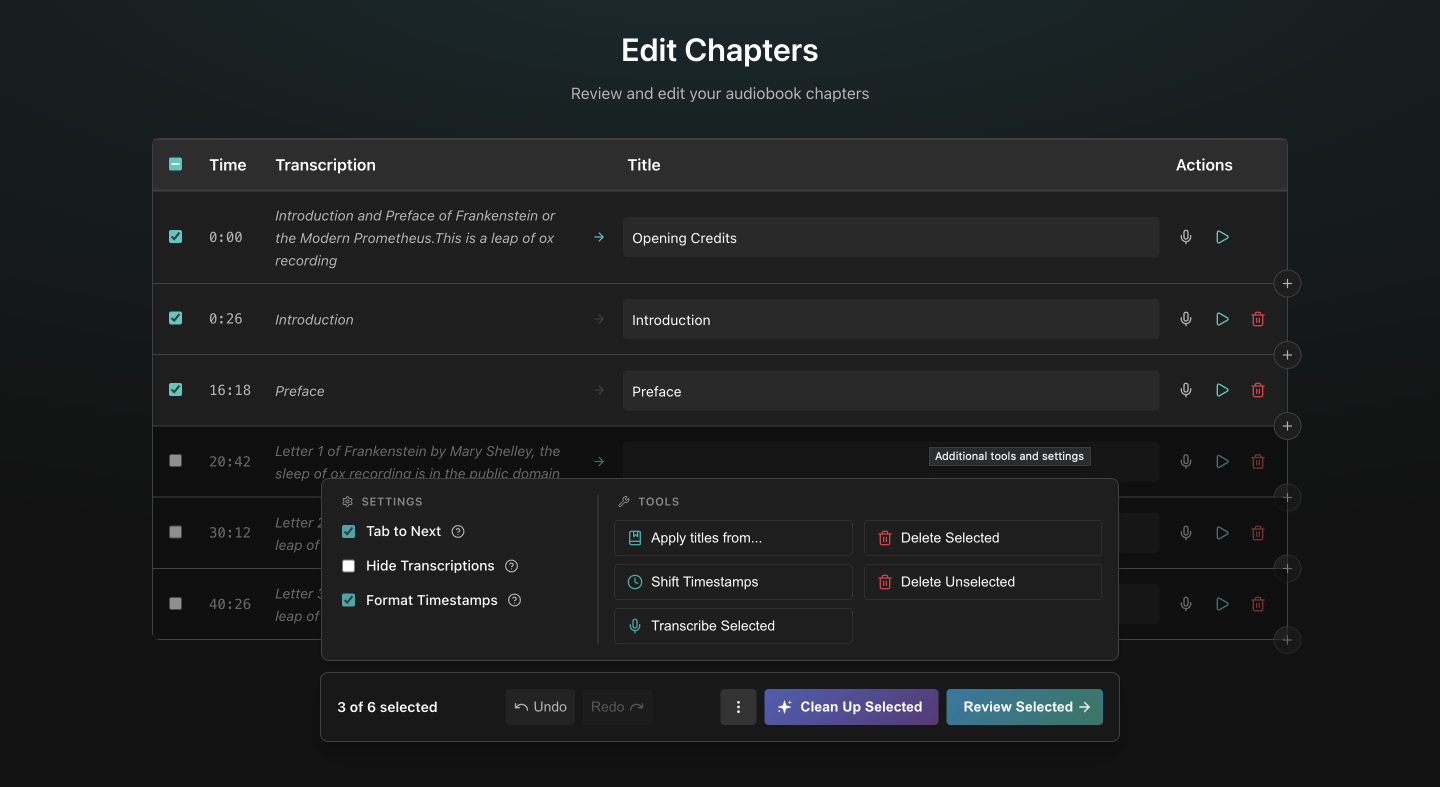
The Chapter Editor is where most of the interactive work happens. You can:
- Edit the titles and timestamps of chapters
- Run AI Cleanup
- Add new chapters from various sources
- Preview chapter audio
- Transcribe individual chapter titles
- Bulk-shift timestamps
- Apply titles from another Reference
- Shift titles between chapters
- Undo and redo everything
7. Review and submit
When ready, clicking Review Selected allows you to review and submit your changes to Audiobookshelf, or export them in a different format. See Review and Submit.