Install on Linux or macOS
View the system requirements before you get started.
1. Install prerequisites
- npm (bundled with the Node.js installer)
- uv package manager
- ffmpeg
2. Clone the project
3. Run
# Default host/port (localhost:8000)
./run.sh

# Expose to other machines on your local network
./run.sh --listen

# Custom host and/or port
./run.sh --host 0.0.0.0 --port 3000
Give it a moment
The first launch may take several minutes while dependencies are installed and the app is built.
4. Open the app
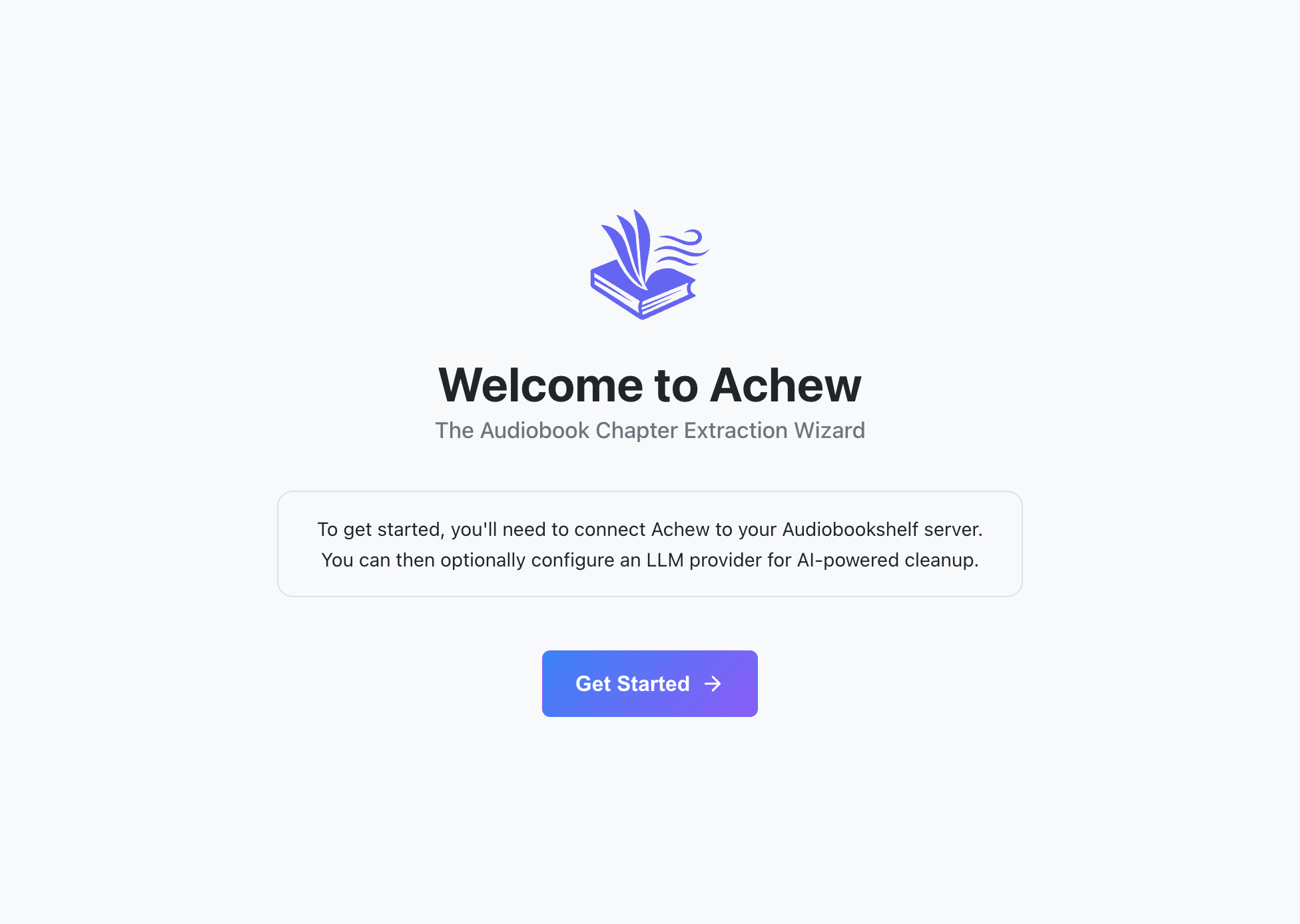
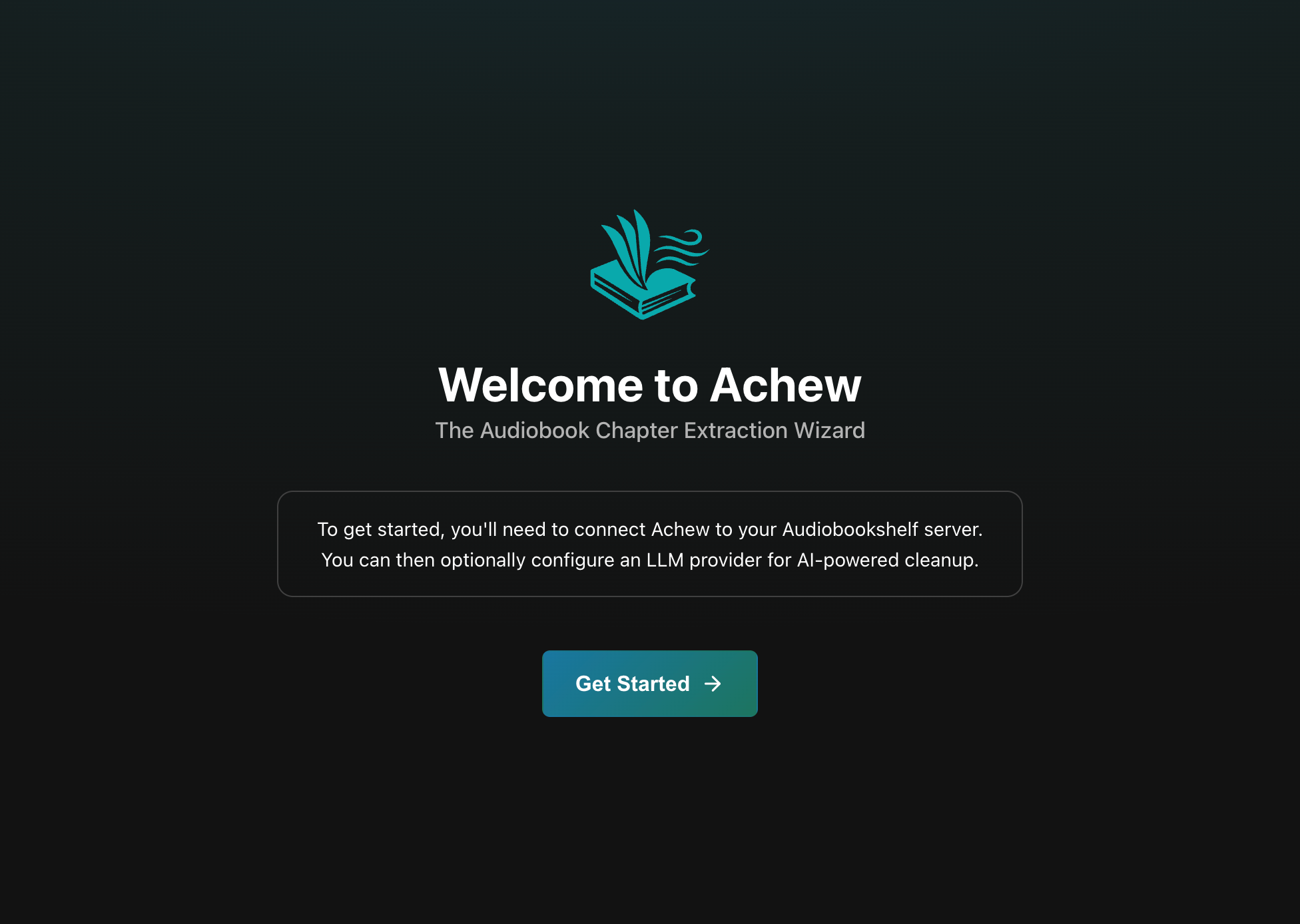
Visit http://localhost:8000 once the app is ready and you should see the welcome screen:
Apple Silicon: MLX models
If you are on an M-series Mac, the Parakeet MLX and Whisper MLX models will be available in Transcription Settings. These use hardware acceleration on Apple Silicon and run noticeably faster than the CPU variants.
Next steps
- First run walkthrough: Connect Audiobookshelf and (optionally) configure an LLM service.
- Upgrading: How to install the latest version of Achew.
- Storage and backup: Where your data is stored.