AI Cleanup
AI Cleanup sends your selected chapter titles to a Large Language Model and asks it to clean them up: consistent capitalization, chapter number formatting, punctuation, etc. It works on the chapters currently selected in the editor and applies the processed titles when finished.
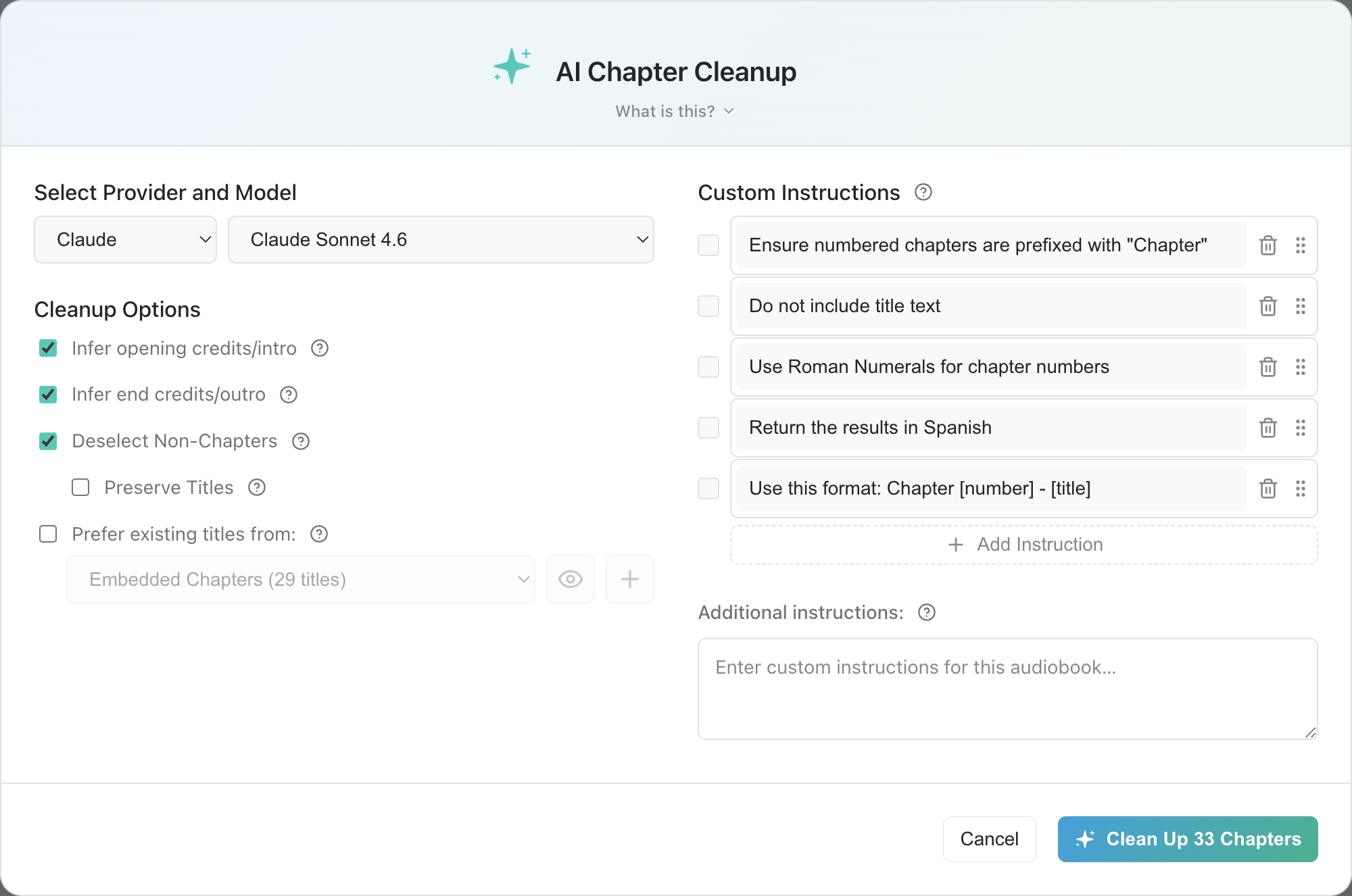
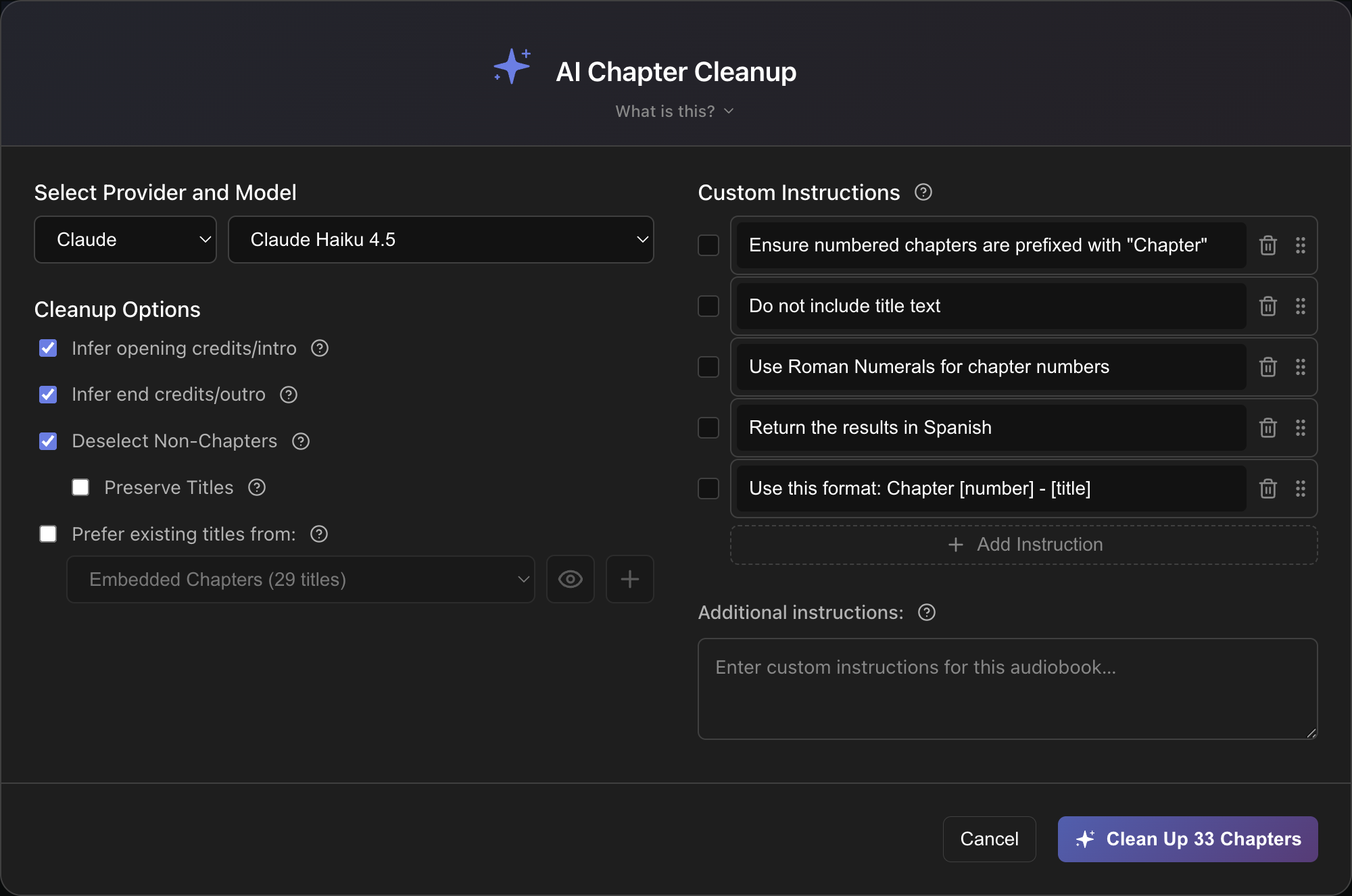
To access the AI Cleanup dialog, click the Clean Up Selected button in the editor's Action Bar.
What it does
By default the model is instructed to:
- Render chapter numbers as digits ("Chapter One" → "Chapter 1") and retain terminology like "Chapter", "Part", "Section".
- If there is title text, insert a colon between the chapter number and the text.
- Strip trailing periods and trailing partial sentences or unrelated words.
- Label intro-style sections near the beginning, e.g. "Opening Credits", "Prologue", "Foreword".
- Label outro-style sections near the end, e.g. "End Credits", "Epilogue", "Bloopers".
- Deselect rows that are not likely to be chapters.
When to use it
- Your transcribed titles are inconsistent ("Chapter One", "CHAPTER TOO", "chapter 3").
- You want to strip non-title text ("Chapter 7
The knight raised his shield to catch the"). - You have usable titles but want to quickly change case, formatting, punctuation, etc.
- You used the Smart Detect workflow and want AI to help spot any false positives.
Choose your LLM provider and model
If you haven't already done so, use the LLM Setup page to add one or more LLM providers.
Use the dropdowns in the top left of the Cleanup dialog to select which LLM provider and model to use. For providers that expose a large number of models (e.g. OpenRouter), the model dropdown becomes a searchable list.
If you're not sure which model to use, view the notes in the provider summary table to see model recommendations for your use case.
Free LLM Options
AI Cleanup generally costs only a few cents (or less) with most cloud LLM providers. However, if you don't want to sign up for paid access or just want a way to get started for free, you can try these options:
- Google Gemini, free tier: Requires a Google account. Rate-limited but enough for occasional cleanup.
- GitHub Copilot Free: Requires a GitHub account. Strict monthly usage allowance.
- Local LLM via Ollama or LM Studio: Free, unlimited, and private, but requires powerful hardware.
See Free options for more information.
Cleanup Options
| Option | Effect |
|---|---|
| Infer opening credits/intro | Makes the first selected chapter more likely to be titled "Opening Credits" |
| Infer end credits/outro | Make the last selected chapter more likely to be titled "End Credits" |
| Deselect Non-Chapters | Deselect rows that look like narrative content rather than chapter titles |
| └ Preserve Titles | When a row gets deselected, keep its original title instead of clearing it. |
| Prefer existing titles from: | Uses Reference titles when determining what cleaned titles should look like. The preview button displays the titles in the selected Reference (switches to an edit button for the Custom Titles Reference). The add button opens the Add Chapter Reference dialog. |
Custom Instructions
Custom Instructions are reusable rules that can be applied during AI Cleanup. They supersede the default clean-up rules and persist across sessions so you can create personal conventions once and reuse them with other books in the future.
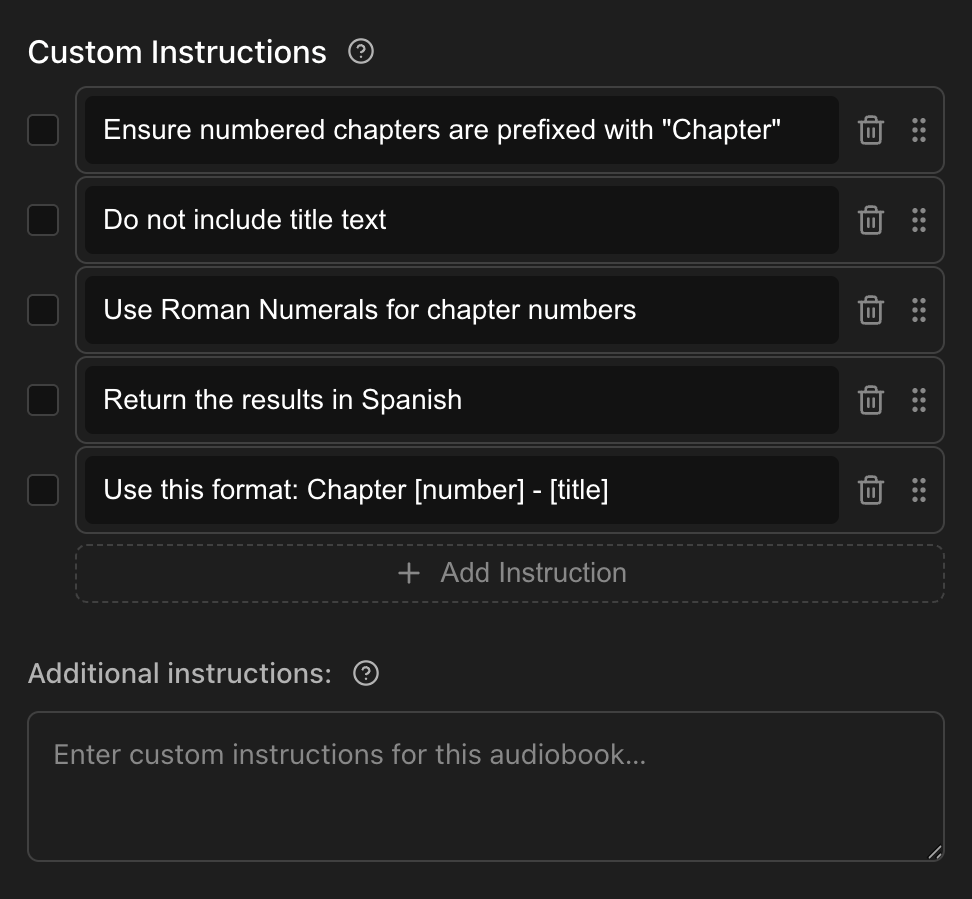
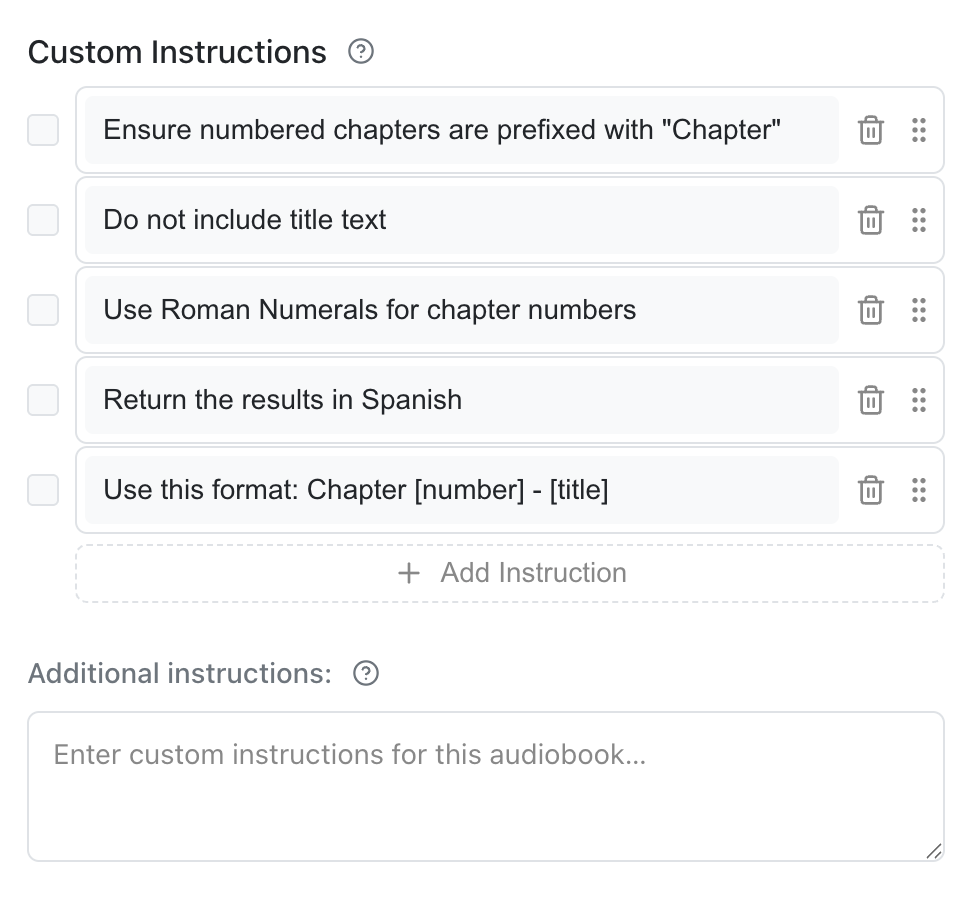
Manage them in the right column of the Cleanup dialog:
- Add, edit, and delete instructions.
- Toggle individual instructions on or off using the checkbox.
- Reorder with the grip handle to organize the rules as you see fit.
Custom Instructions are persisted alongside your other settings. See Storage and Backup.
Additional Instructions
Below the Custom Instructions list is an area to enter Additional Instructions. Use this for rules that are specific to the current book and that you don't want to save to your library. These are not persisted across sessions and will be deleted after you submit to Audiobookshelf.
Privacy
What data is being sent?
When you run AI Cleanup, the request to the provider includes:
- The selected chapter titles.
- The book's title and author.
- Titles from the Prefer existing titles from Reference, if that option is enabled.
- Your enabled Custom Instructions and any Additional Instructions for this run.
No audio is sent. See Privacy and Data for details.