Review and Submit
Once you are happy with your chapters in the editor, click the Review Selected button to proceed to the Review screen. Here you can review the final chapter list, submit the chapters back to Audiobookshelf, or export chapters to a file, or create a snapshot.
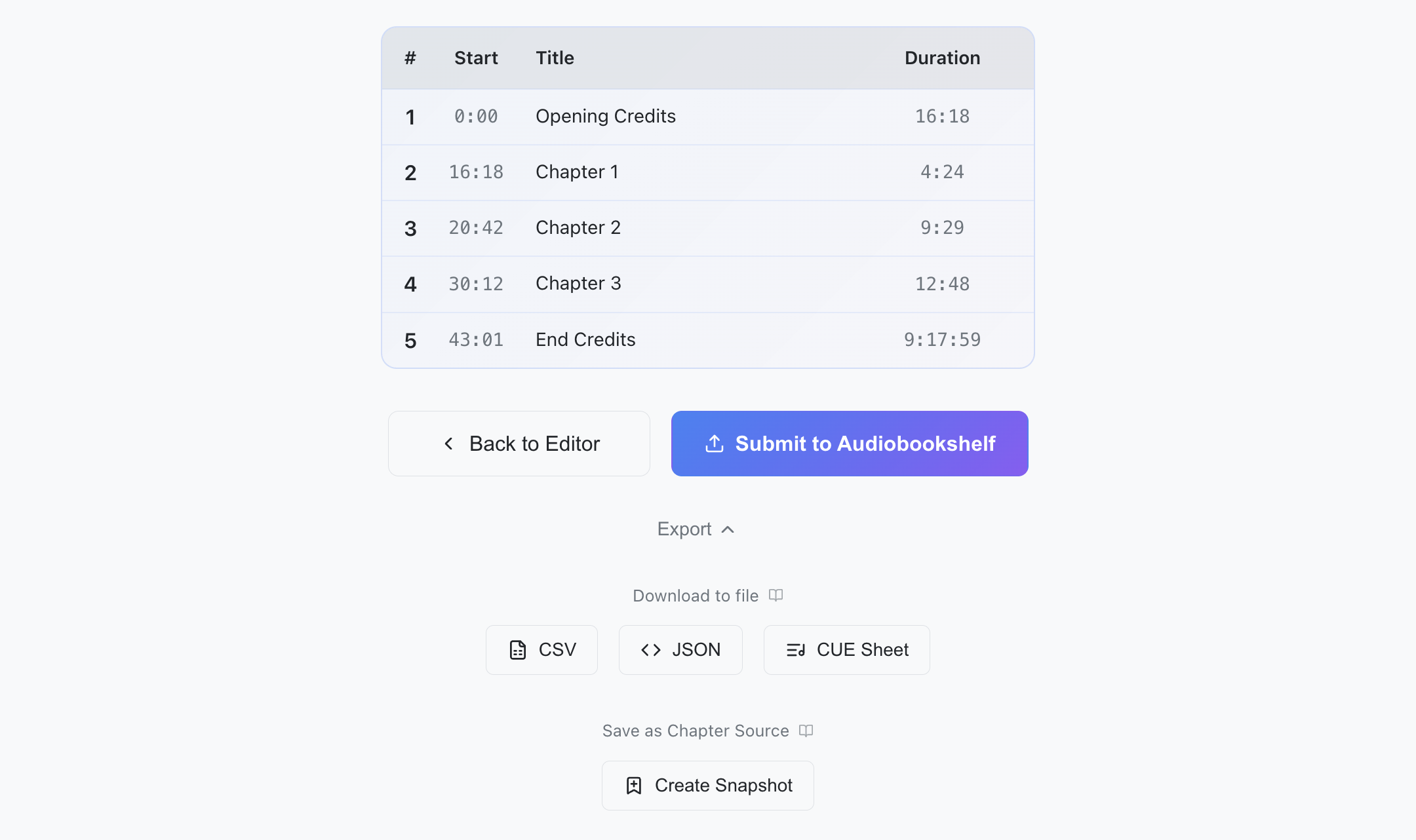
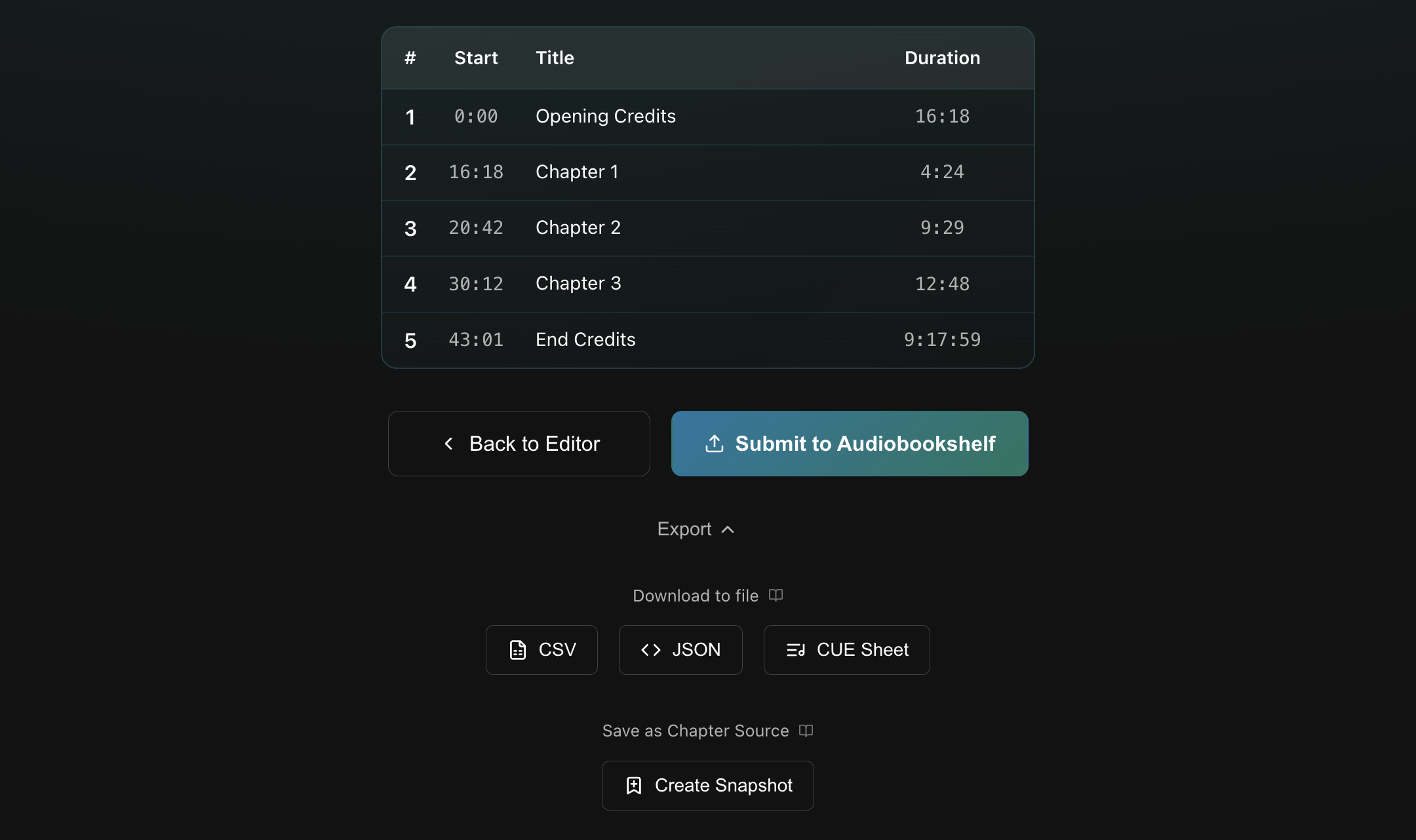
Submit to Audiobookshelf
Writes the chapters for this book back to your Audiobookshelf server, replacing whatever was there before. All chapters must have non-empty titles. If any are blank, submission will be disabled.
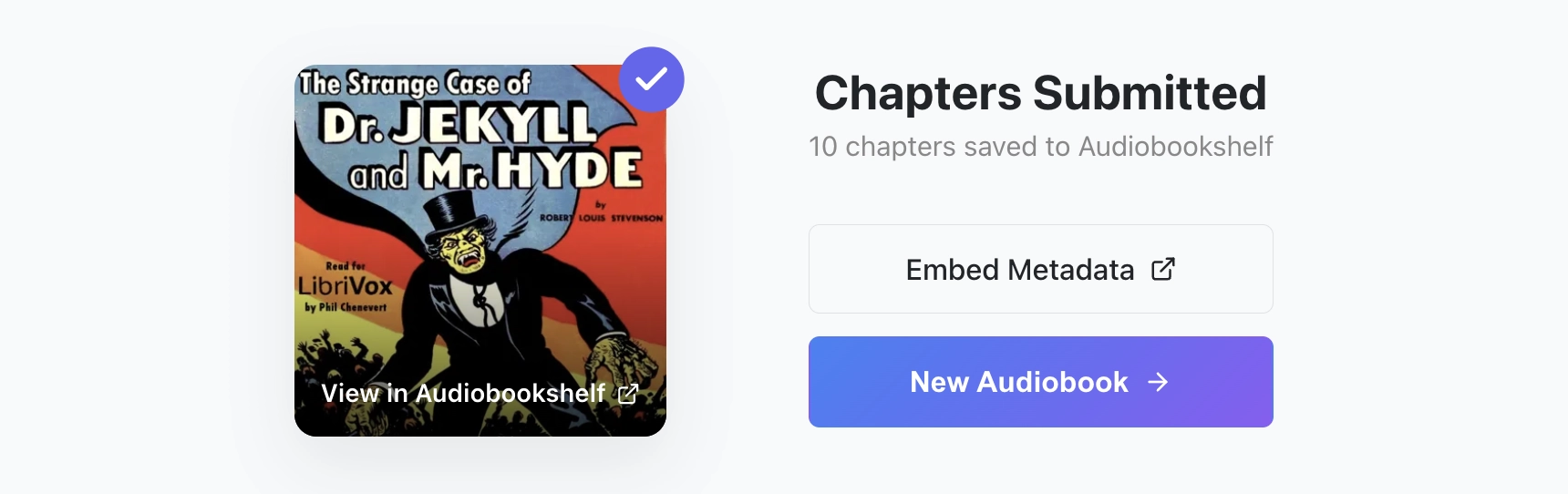
After submitting, you'll see a confirmation screen with a couple of options:
- Embed Metadata: Opens Audiobookshelf's Embed Metadata page for the audiobook, allowing you to quickly embed your chapter changes into the original audio file.
- New Audiobook: Ends the current session and returns you to book selection.
You can also click the cover image to open the book details in Audiobookshelf.
Export
Below the submit button, you can expand the Export section to view your export options:
- Download to file: Writes the chapters to a file you can save and reuse later (CSV, JSON, CUE).
- Save as Chapter Reference: Creates a Snapshot Chapter Reference you can use for this session.
Exporting without submitting
Exporting does not end your current session. If you don't plan on submitting to Audiobookshelf, you can open the Back Menu and pick New Audiobook to end the session and return to book selection.
CSV
Columns: chapter number, timestamp (formatted HH:MM:SS), timestamp (raw seconds), title.
Chapter,Timestamp,Timestamp_Seconds,Title
1,00:00:00,0.000,Opening Credits
2,00:00:42,42.500,Chapter 1
JSON
Structure:
{
  "export_timestamp": "2026-04-16T12:34:56",
  "total_chapters": 23,
  "chapters": [
    { "chapter": 1, "timestamp": 0.0, "title": "Opening Credits" },
    { "chapter": 2, "timestamp": 42.5, "title": "Chapter 1" }
  ]
}
CUE
Standard CUE sheet format, using MM:SS:FF (75 frames/sec).
Snapshot
Click Create Snapshot to save the selected chapters as a new Chapter Reference. This snapshot can be used like any other Chapter Reference and is useful for referencing the current chapters in later edits or workflows. See Working with snapshots for some examples.
The first snapshot you make will be named Snapshot. Subsequent snapshots will be named Snapshot 2, Snapshot 3, Snapshot 4, etc.
Snapshots exist in the current session only; they are discarded when you start a new audiobook.