Upgrading Achew

When a new version of Achew is available, a small download icon will be displayed next to the currently-installed version in the bottom right. Clicking the icon will take you to the Github release page for the new version.
Do I need to back up my data?
Upgrading to newer releases of Achew is generally safe, but it's always a good idea to back up your data just in case. This is especially true when upgrading from v1.6.1 or earlier: due to a change in how settings are stored beginning with v1.7.0, downgrading to v1.6.1 or earlier will result in all settings becoming unavailable, and they'll need to be restored from a pre-v1.7.0 backup.
You'll only need to back up the Settings directory. See Storage and Backup for example backup commands.
Docker
cd path/to/achew # Directory containing your Docker compose file
docker-compose pull
docker-compose up -d
The latest tag tracks the most recent release. If you need the legacy-cpu image (for CPUs without AVX2: Intel pre-2013, AMD pre-2015), use that tag instead.
Your configuration and model cache persist via the volumes defined in docker-compose.yml, so your Audiobookshelf key, LLM settings, and saved preferences survive upgrades.
Native (Linux / macOS)
The run script re-runs uv sync on launch, so new Python dependencies install automatically.
Native (Windows)
The run script re-runs uv sync on launch, so new Python dependencies install automatically.
After upgrading
New features and breaking changes land in the GitHub release notes. Read these, especially if you saw a Migration Failed screen after upgrade.
Handling a Failed Migration
If Achew's saved config format changes between versions and the automatic migration cannot complete, you will land on a Settings Migration Failed screen.
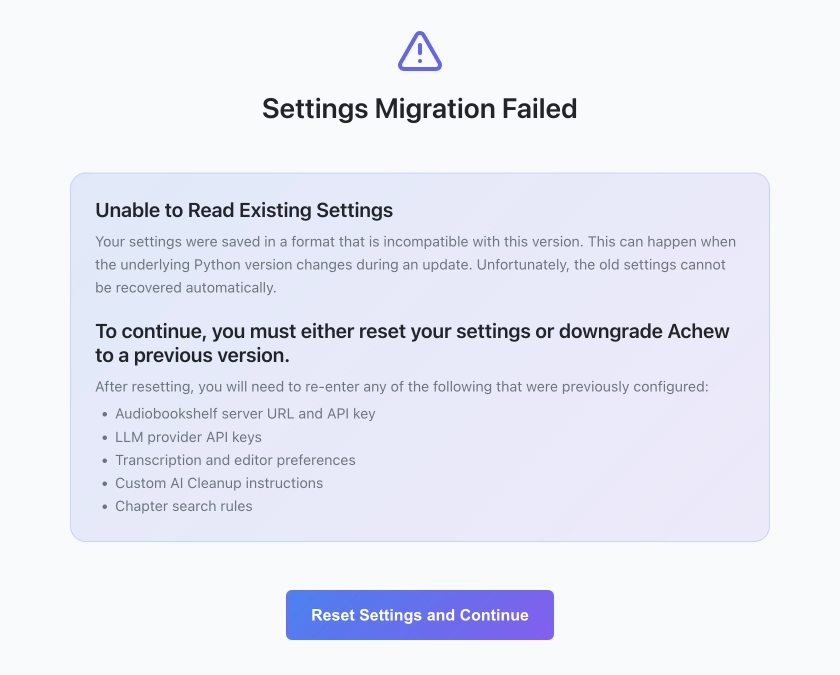
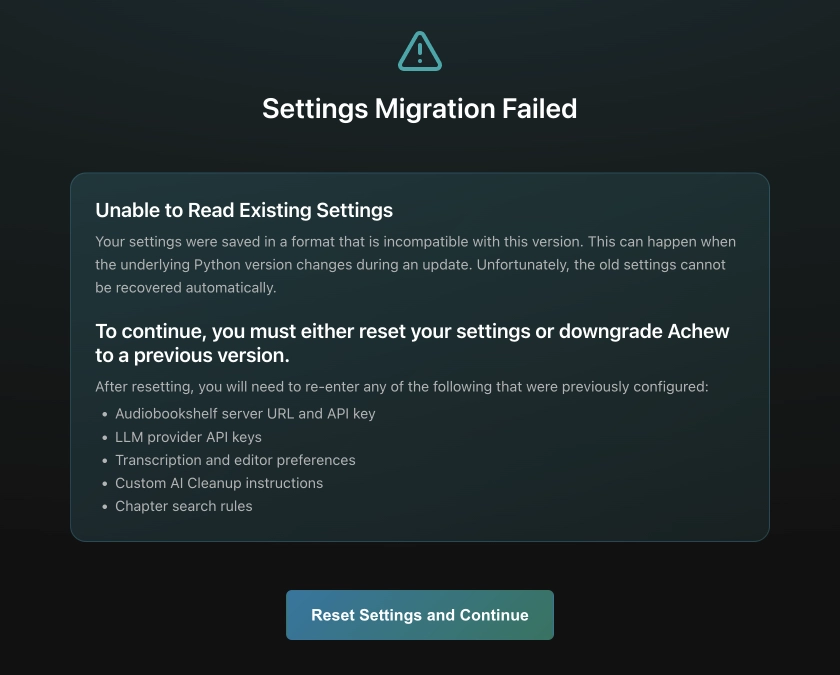
Due to how data was saved prior to v1.7.0, switching to a different python runtime (which can happen during an upgrade) may, in rare cases, cause the data to become inaccessible. Unfortunately, in this situation your only options are to either downgrade to an older version of Achew, or proceed with resetting your settings.
If you choose the latter, you will need to re-enter your Audiobookshelf URL and API key, any LLM settings previously configured, any transcription or editor preferences, any custom AI Cleanup instructions, and any custom chapter search rules. Prior to resetting, it is recommended to back up the Settings directory in case you wish to downgrade at a later time. See Storage and Backup for example backup commands for your platform.
Downgrading
Downgrading to v1.6.1 or earlier
Achew version 1.7.0 changed how settings are stored, and the new format will not be recognized by earlier versions. If you have a pre-v1.7.0 backup of your Settings directory, you can restore that when downgrading. Otherwise, you'll need to re-enter all of your settings (Audiobookshelf URL/Key, LLM settings, and other app preferences) after a downgrade.
Docker
Edit your docker-compose.yml file and specify the image tag for the version you want to use, e.g.
Then:
Native (Linux / macOS)
cd path/to/achew

# Download the git tags used for releases
git fetch --tags

# Check out the desired version
git checkout v1.5.4

./run.sh