Regenerate Titles
The regenerate workflow keeps the timestamps of an existing source and transcribes new chapter titles from the audio at those timestamps.
When to use it
This workflow is for situations where you have an existing source that has accurate timestamps, but unsuitable titles.
Some examples:
- A multi-file book where each file is a chapter, but they're named
Track 01,Track 02, etc. - Embedded chapters with generic titles, e.g.
001,002,003, and the like. - Audnexus chapters that are simply titled
Chapter 1,Chapter 2, and so on.
Steps
- Select a book from Achew's main screen.
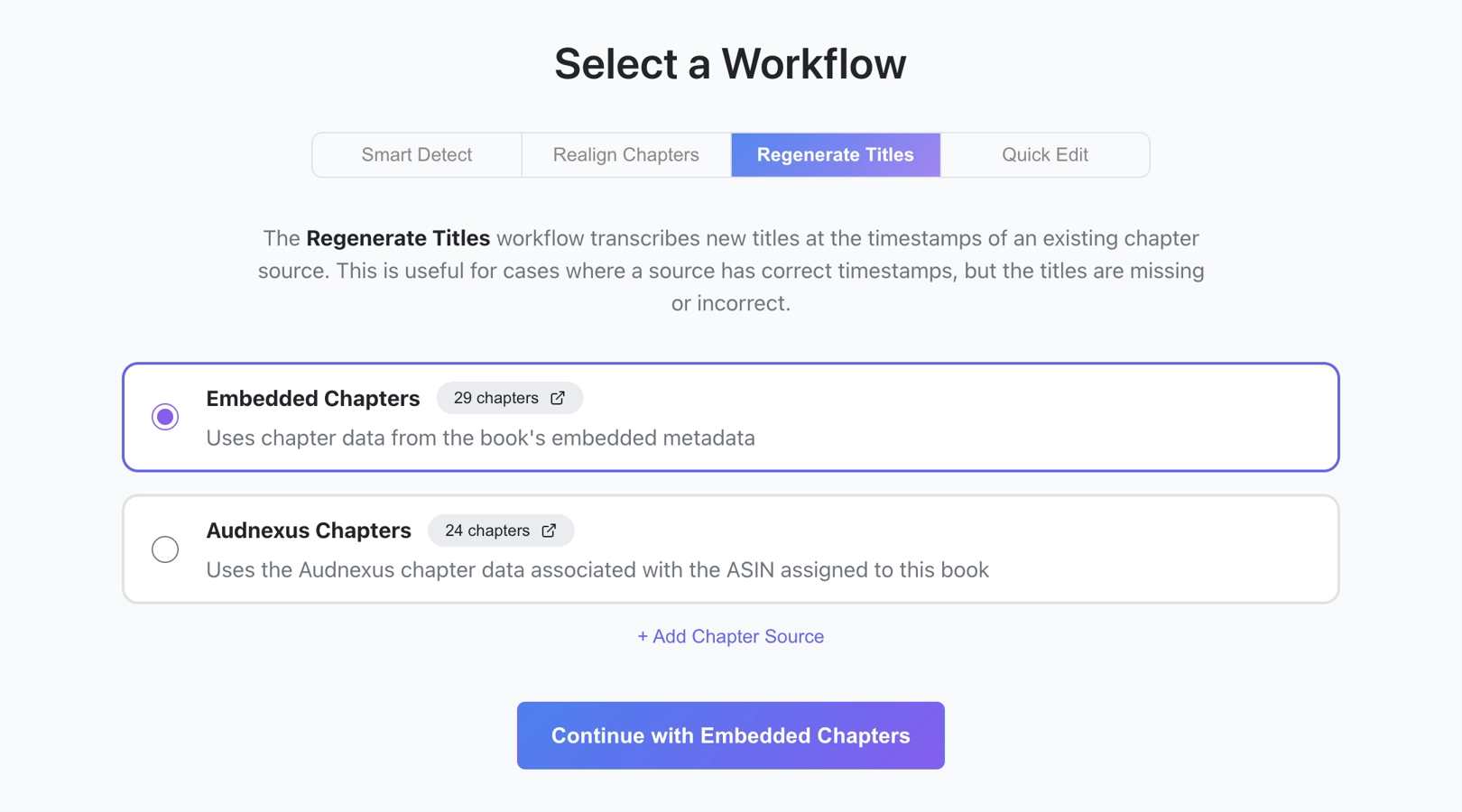
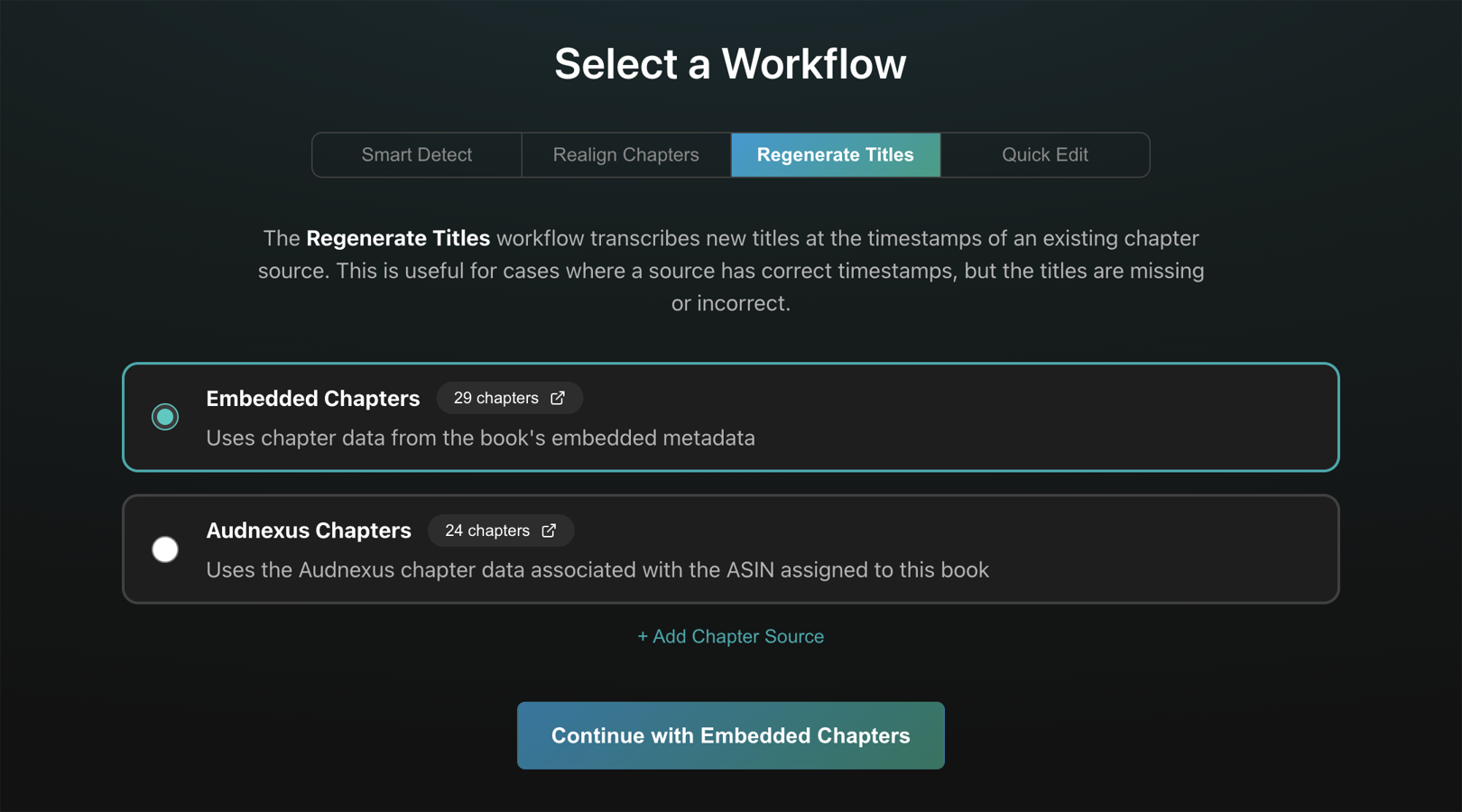
- Choose Regenerate Titles on the Select a Workflow screen.
- Pick a source, e.g. Embedded Chapters. If there are no sources, or you wish to include additional sources, click the Add Chapter Source button near the bottom.
- Click the Continue with... button.
- On the Transcribe Titles screen, choose your transcription settings and click Transcribe. The first few seconds of audio at each chapter timestamp will be transcribed into a title.
- After transcription has finished, use the Chapter Editor to review and polish the chapters.