Install on Windows
View the system requirements before you get started.
1. Install prerequisites
- npm (bundled with the Node.js installer)
- uv package manager
- ffmpeg: make sure
ffmpeg.exeis on yourPATH. - (Optional) Visual C++ Redistributable: only required if using the Parakeet transcription model.
2. Clone the project
3. Run
# Default host/port (localhost:8000)
.\run.bat

# Expose to other machines on your local network
.\run.bat --listen

# Custom host and/or port
.\run.bat --host 0.0.0.0 --port 3000
Give it a moment
The first launch may take several minutes while dependencies are installed and the app is built.
4. Open the app
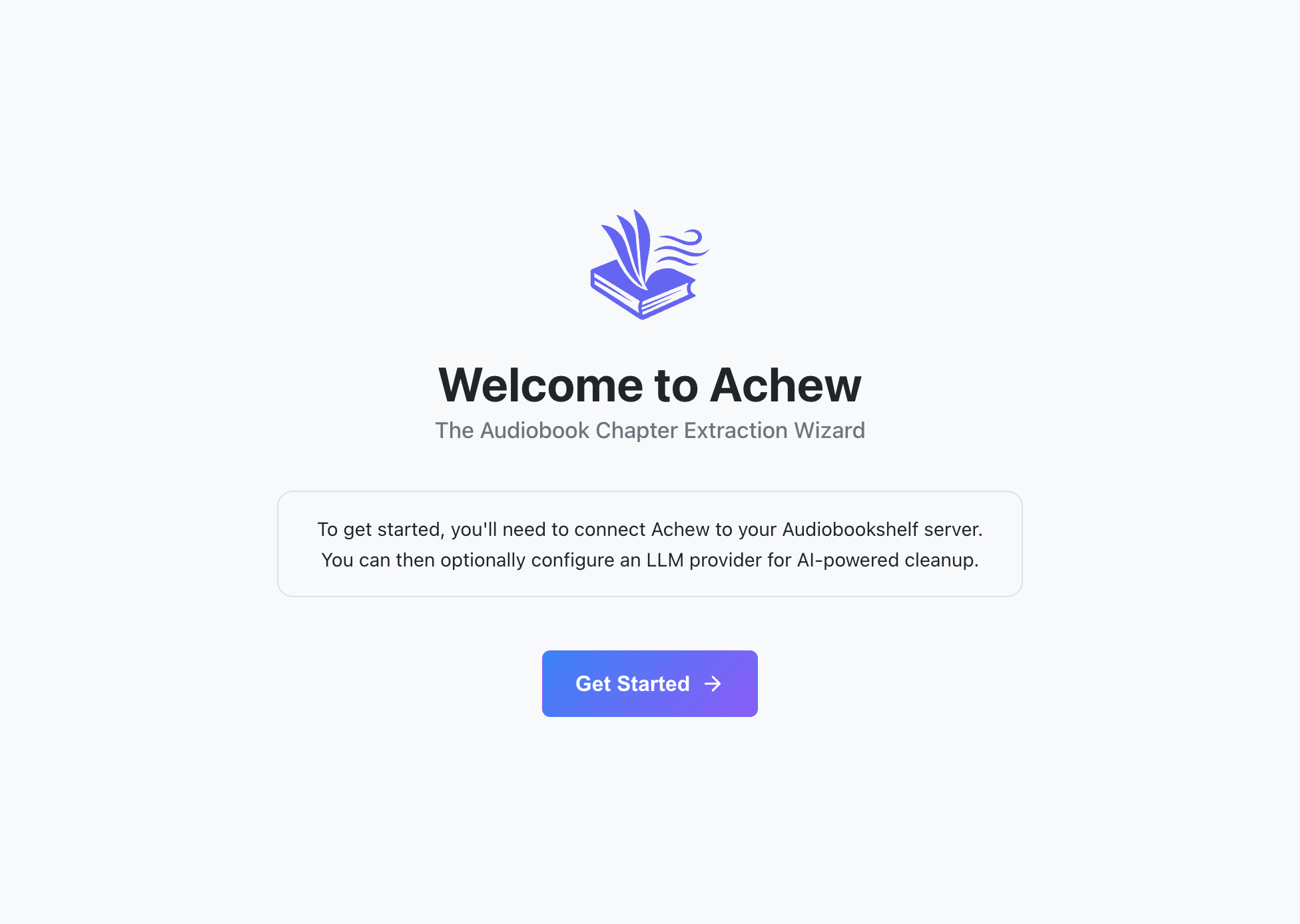
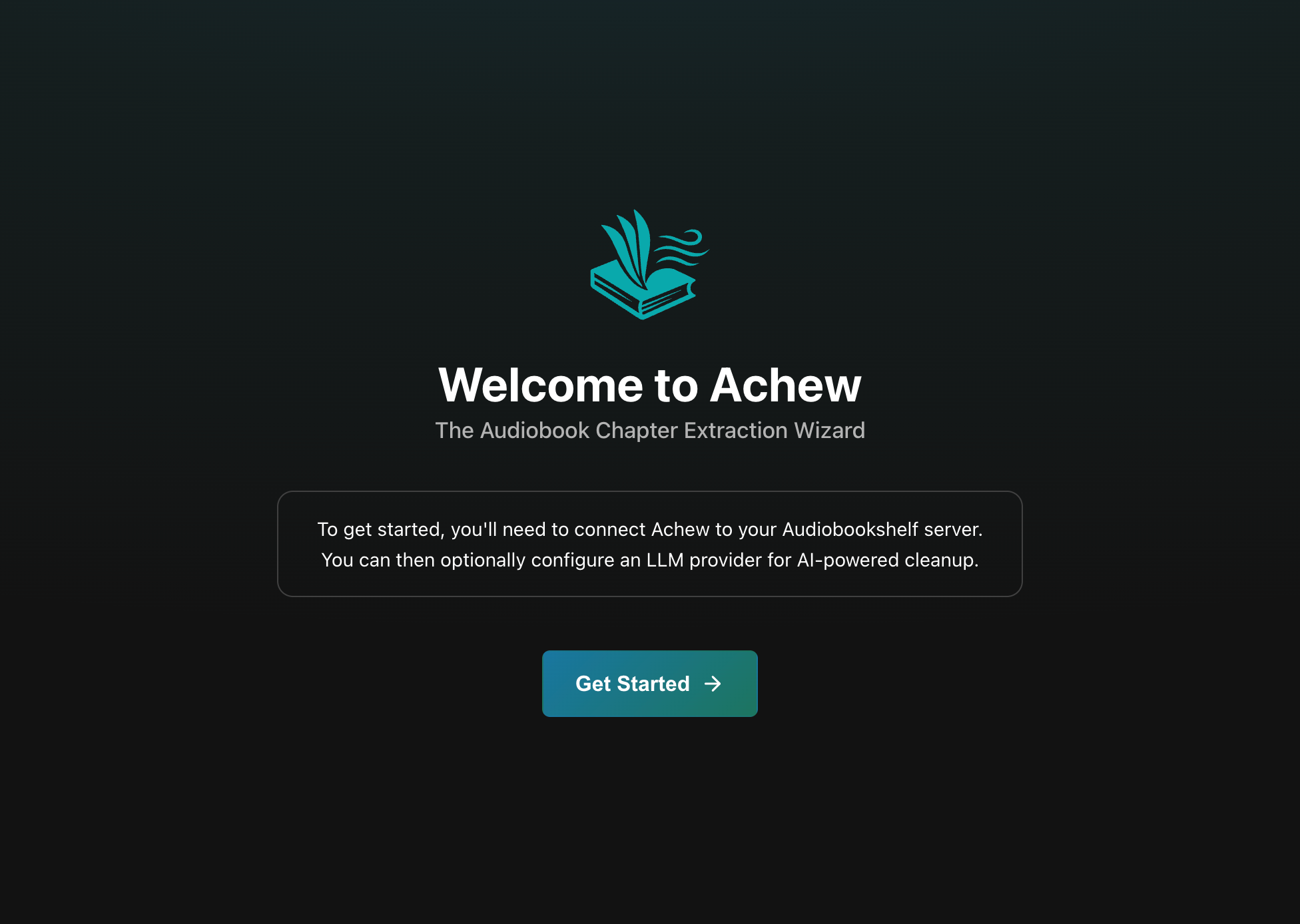
Visit http://localhost:8000 once the app is ready and you should see the welcome screen:
Next steps
- First run walkthrough: Connect Audiobookshelf and (optionally) configure an LLM service.
- Upgrading: How to install the latest version of Achew.
- Storage and backup: Where your data is stored.