First Run
The first time you run Achew, you will need to complete Audiobookshelf Setup. You can also optionally complete LLM Setup, or skip it and come back later.
Audiobookshelf setup
This step is required, as Achew requires access to your Audiobookshelf server to find audiobooks and save chapter data.
- In your Audiobookshelf instance, create an API key.
- In Achew's Audiobookshelf Setup screen, enter:
- Your Audiobookshelf Server URL: Including scheme and port, e.g.
http://192.168.1.10:13378orhttps://my-abs-server.com - API key: The key you just created.
- Your Audiobookshelf Server URL: Including scheme and port, e.g.
- Click Validate & Save. Achew contacts the server and confirms the key is valid.
LLM Setup
This step is optional, but is necessary for AI Cleanup. You can skip this step and come back later.
Achew supports multiple LLM providers:
| Provider | Type | Free tier? |
|---|---|---|
| OpenAI | Cloud API | No |
| Anthropic Claude | Cloud API | No |
| Google Gemini | Cloud API | Yes, limited free tier |
| OpenRouter | Cloud API | Varies |
| GitHub Copilot | Cloud API | Yes, limited monthly credits |
| Ollama | Local server | Free, unlimited |
| LM Studio | Local server | Free, unlimited |
At least one provider must be configured in order to use AI Cleanup. For each provider you want to enable, create and paste the API key (or host URL for local servers) and click Validate. See LLM Providers for full setup details, including free options if you don't have any paid accounts.
After setup
Once the initial setup is complete, Achew drops you onto the main screen. Type the first few letters of an audiobook title into the search bar, pick a book, and click Start. You can also search by series, author, or narrator. See Finding a Book for more info.


The audiobook's files will be downloaded and prepared for processing, after which you may continue by choosing a workflow.
Theme
Clicking the sun/moon icon near the top right corner of the page will toggle between light mode and dark mode.
Returning to setup
From any screen, click the gear icon in top right corner to show the Settings dropdown, which includes quick links to Audiobookshelf Setup, LLM Setup, and Transcription Settings:
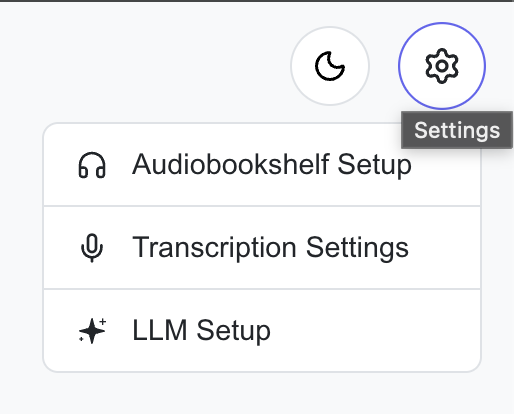
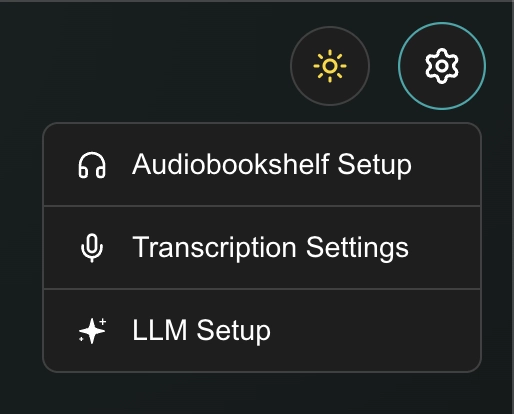
You can change your Transcription settings and LLM settings at any time without losing your current work. It is not recommended to change your Audiobookshelf settings if you're in the middle of processing an audiobook.