Install with Docker
The Docker image is the easiest way to get Achew running on any platform that supports Docker.
View the system requirements before you get started.
1. Install prerequisites
2. Download the Compose file
Download docker-compose.yml and save it anywhere you like; a new achew/ directory in your home folder works well.
Adjust the port and volume mappings if needed. The default exposes Achew on port 8000.
Using an older CPU?
If your CPU lacks AVX2 support (Intel pre-2013, AMD pre-2015) the Whisper transcription model can crash. Switch to the legacy-cpu image tag to avoid this. See comments in docker-compose.yml.
3. Start Achew
4. Open the app
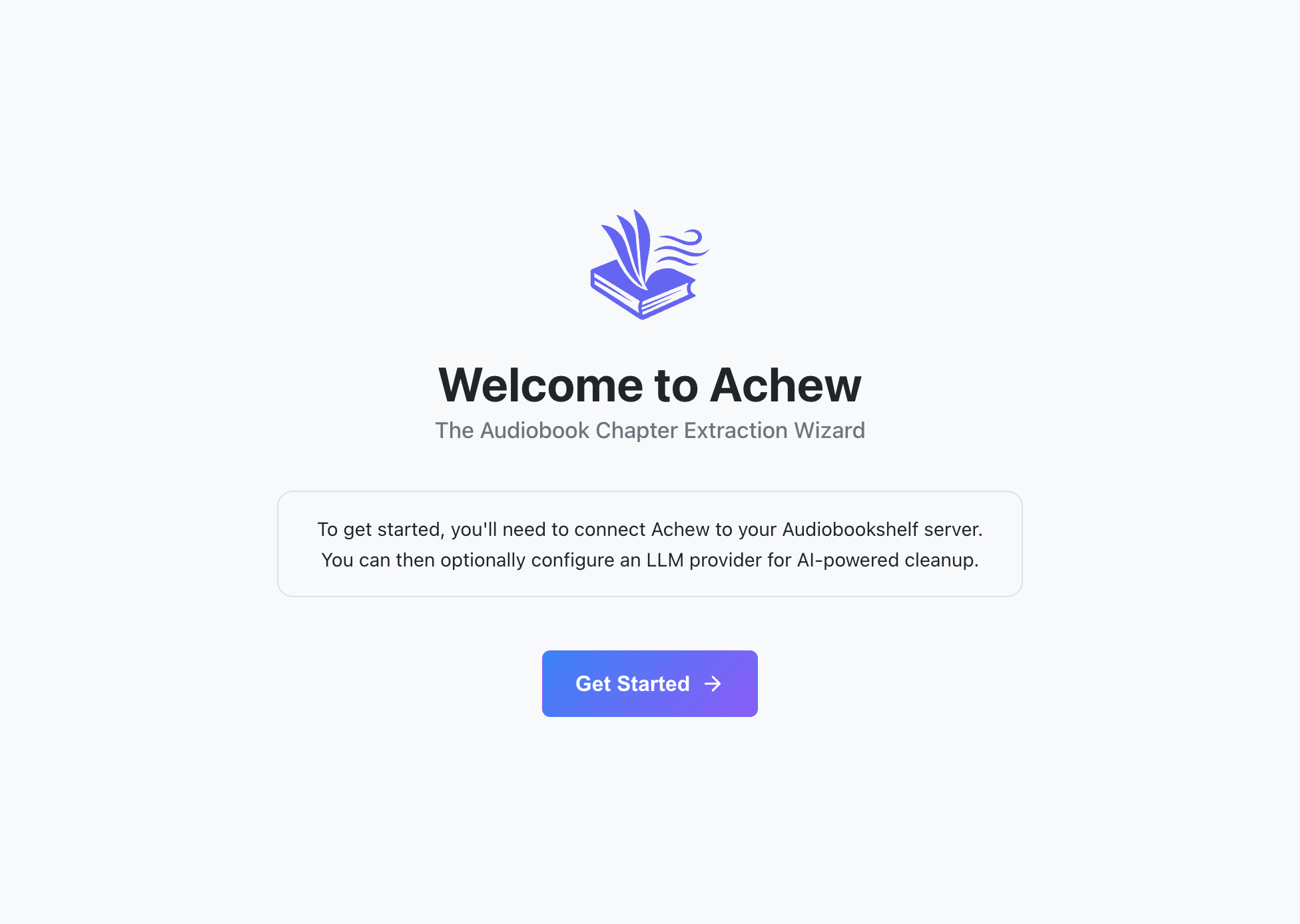
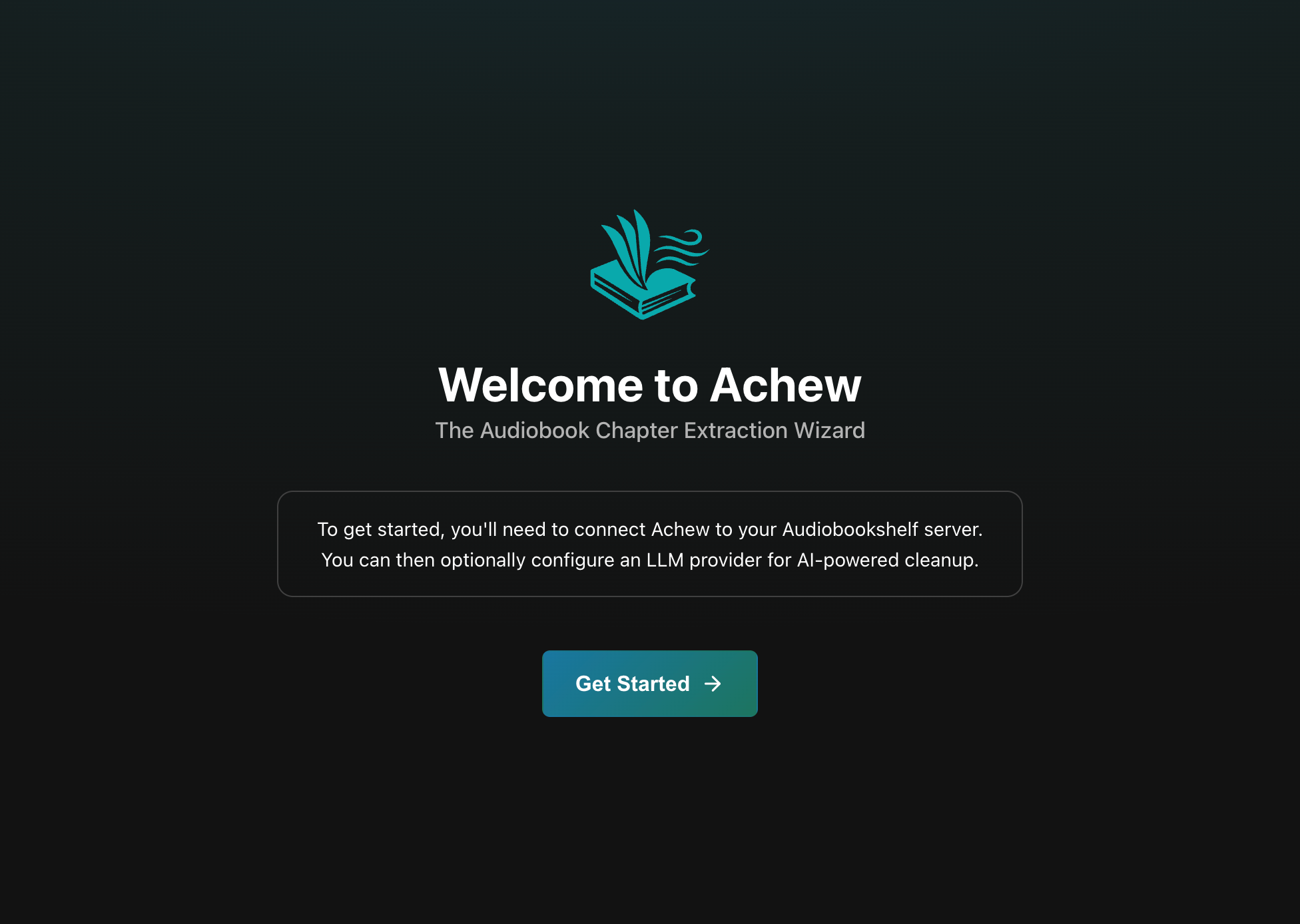
Visit http://localhost:8000 and you should see the welcome screen:
Next steps
- First run walkthrough: Connect Audiobookshelf and (optionally) configure an LLM service.
- Upgrading: How to install the latest version of Achew.
- Storage and backup: Where your data is stored.
- Reverse proxy: If you need remote access.